Quick answer
| Type | How it blends | Best for |
|---|---|---|
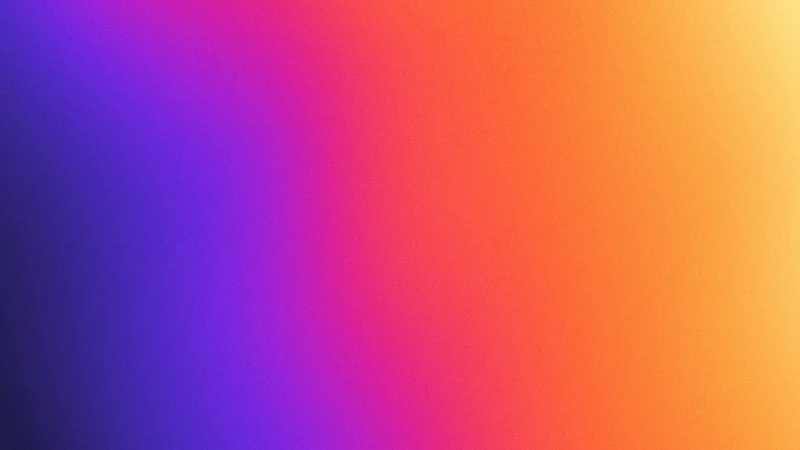
| Linear | Along a straight line | Backgrounds, buttons, overlays |
| Radial | Outward from a center point | Glows, spotlights, vignettes |
| Conic | Around a center point | Color wheels, rings, pie charts |
| Diamond | Outward in a diamond shape | Stylized highlights |
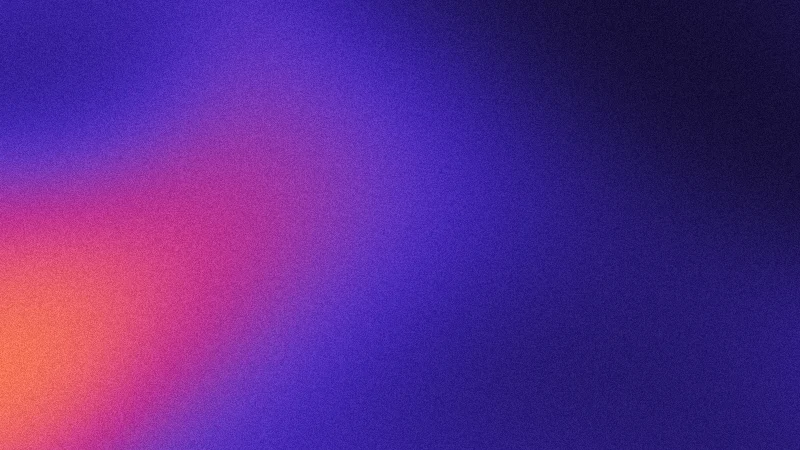
| Mesh / freeform | From several points at once | Organic backgrounds |
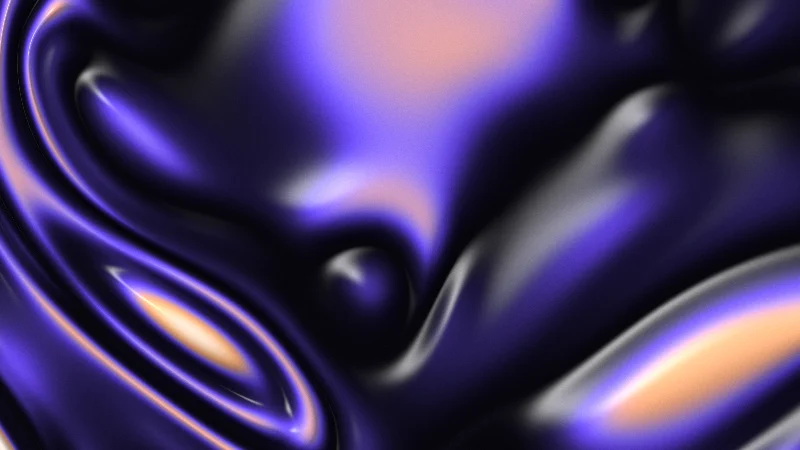
| Noise / flow | Warped by procedural noise | Liquid, abstract backgrounds |
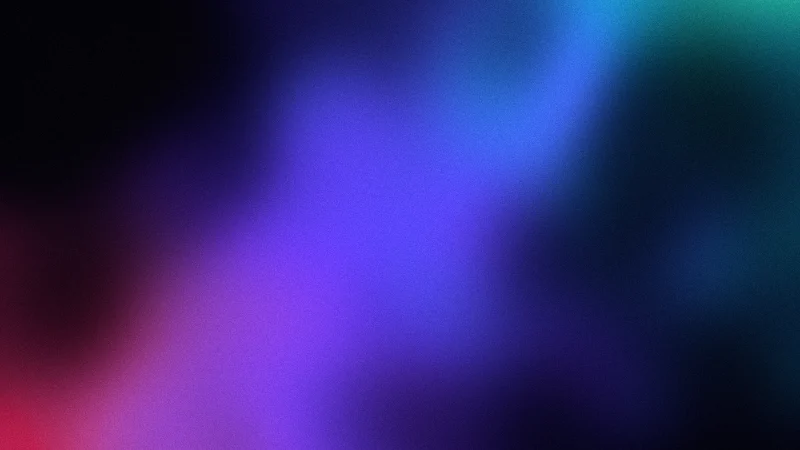
| Aurora / beam | Light beams over a dark base | Tech, music, dramatic heroes |
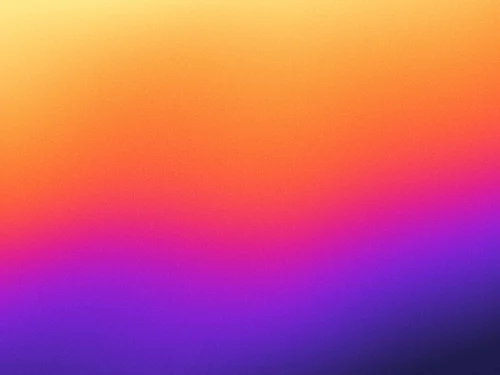
Linear gradient
The classic: colors blend along a straight line at any angle. Linear gradients are simple, predictable and supported everywhere, from CSS to PowerPoint. They work best with a clear direction, for example darker at the top and lighter toward the bottom, like a sky.
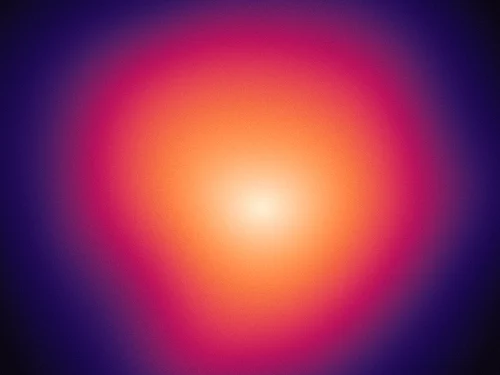
Radial gradient
Colors radiate outward from a center point, in a circle or an ellipse. Radial gradients are the easiest way to suggest a light source: put a bright color in the center and fade to a dark edge, and the image glows. Move the center off-canvas for a softer light falling in from the side.
Conic (angular) gradient
Colors sweep around a center point like the hand of a clock. Figma calls it angular, CSS calls it conic. It is ideal for color wheels, loading rings and metallic effects, and with hard stops you can draw pie charts.
Diamond gradient
Available in Figma and Photoshop, a diamond gradient blends outward from the center in a diamond shape. It is a niche type, useful for gem-like highlights and stylized glows.
Mesh and freeform gradients
Instead of one line or center, colors sit at several points across the canvas and blend into each other. The result is soft, organic and cloud-like, which is why mesh gradients became a staple of app backgrounds and brand visuals. Illustrator calls its version a freeform gradient.


Learn how to make one in any tool in our mesh gradient guide.
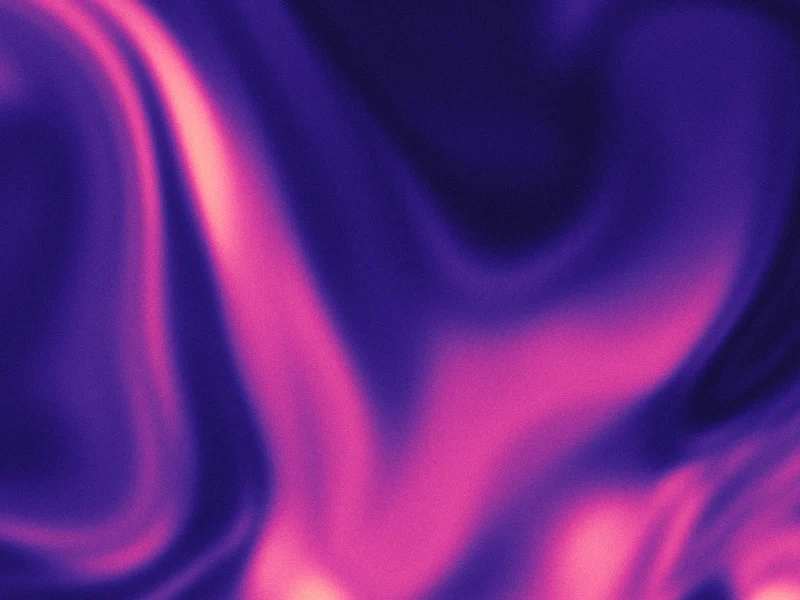
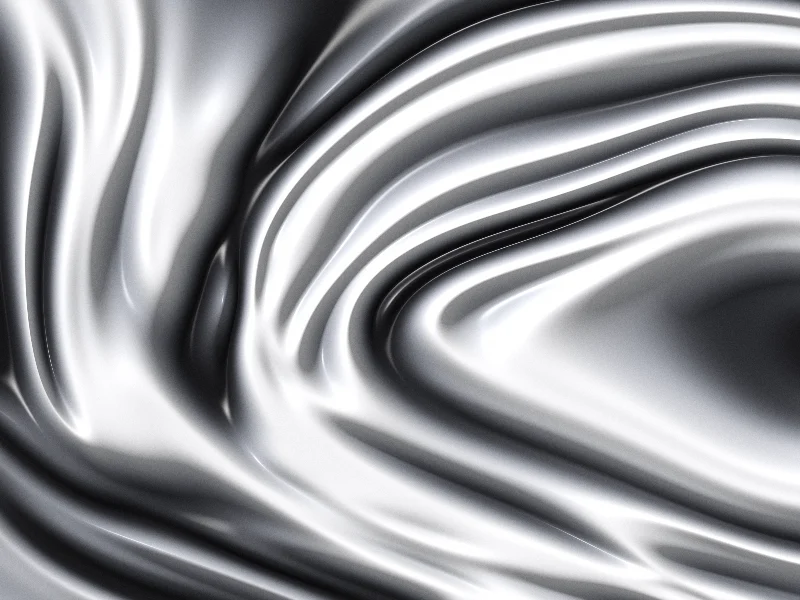
Noise and flow gradients
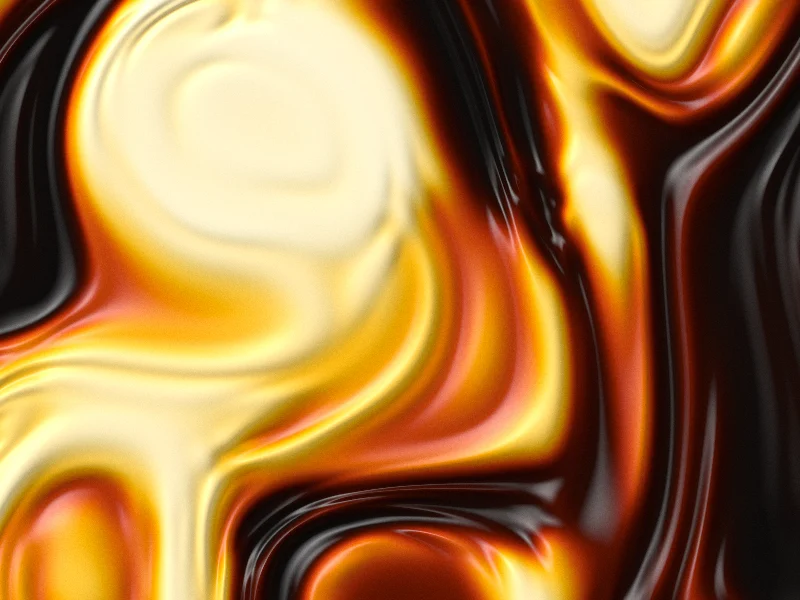
Procedural noise warps the colors into flowing, liquid shapes, like ink in water or silk folds. These gradients feel alive and abstract. Add sheen and they turn into liquid chrome; add grain and they feel like film.
Aurora and beam gradients
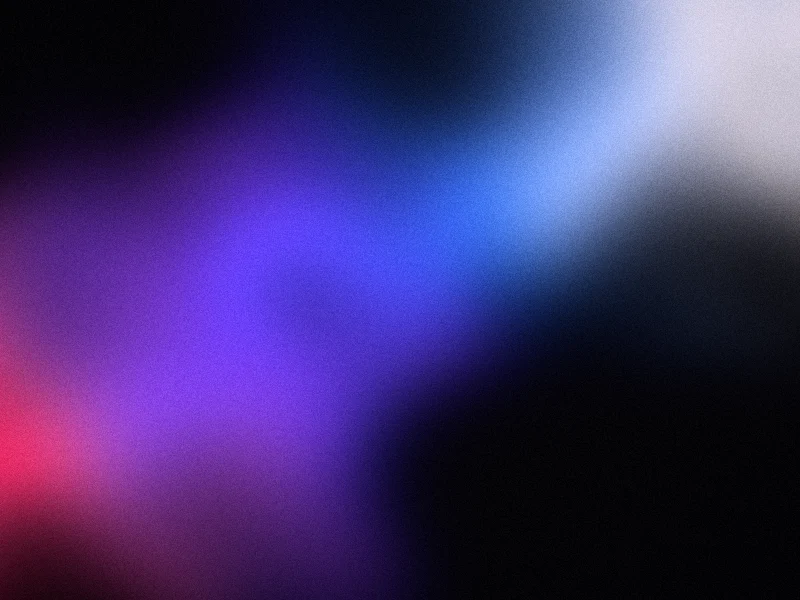
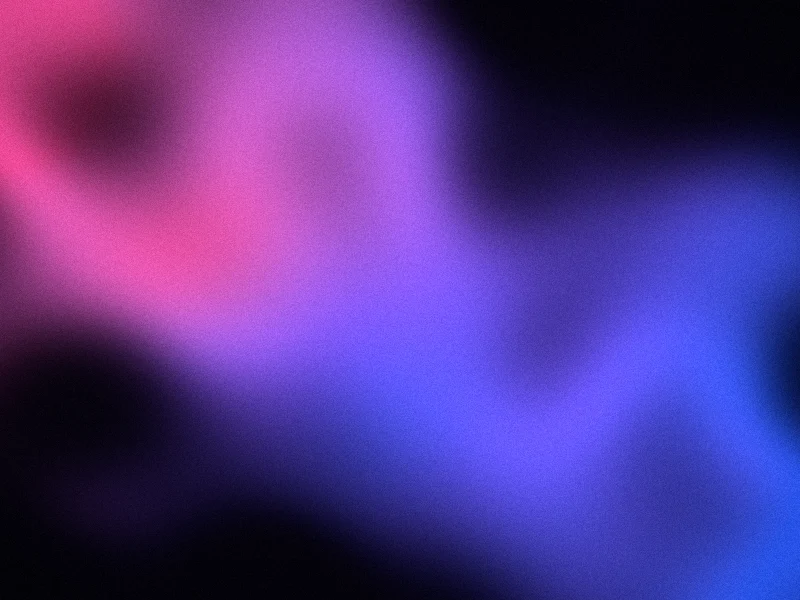
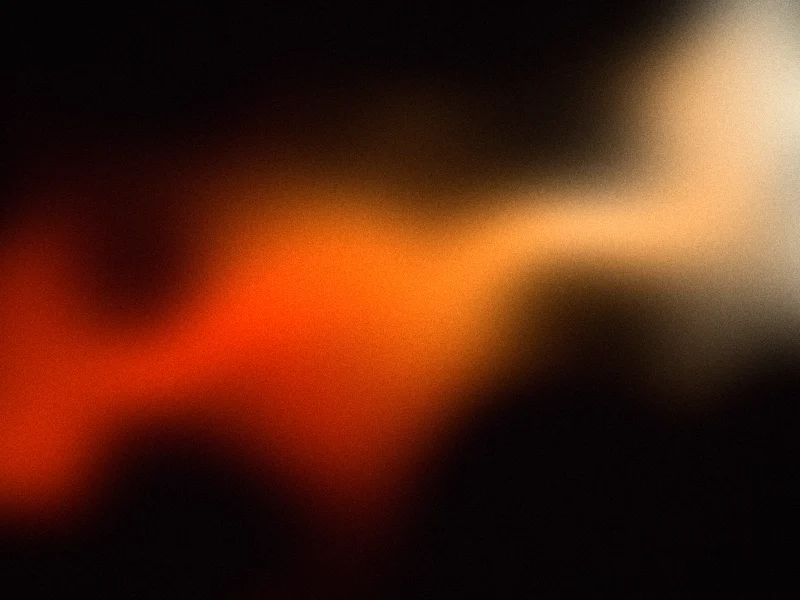
Bands of colored light glow over a dark background, like the northern lights. Because the colors behave like light instead of paint, aurora gradients look dramatic and premium, which is why they are popular for tech launches, music and gaming.
Which gradient type should you use?
- Need code and small file size? Linear, radial or conic in CSS.
- Want soft, organic backgrounds? Mesh or noise.
- Want drama and light? Radial glows or aurora beams on a dark base.
- Want texture and premium feel? Any type plus grain, or liquid chrome.
Frequently asked questions
What are the main types of gradients?
Linear, radial and conic (angular) are the classic types. Mesh or freeform, noise and aurora-style gradients are more advanced types that create organic shapes and light effects.
What is the difference between linear and radial gradients?
A linear gradient blends along a straight line; a radial gradient blends outward from a center point in a circle or ellipse.
What is a conic gradient?
A gradient that sweeps colors around a center point, like a clock hand. It is called angular in Figma.
What type of gradient looks the most modern?
Mesh, noise and aurora gradients with fine grain are the most current looks, especially in tech and brand design.