Fire gradient backgrounds
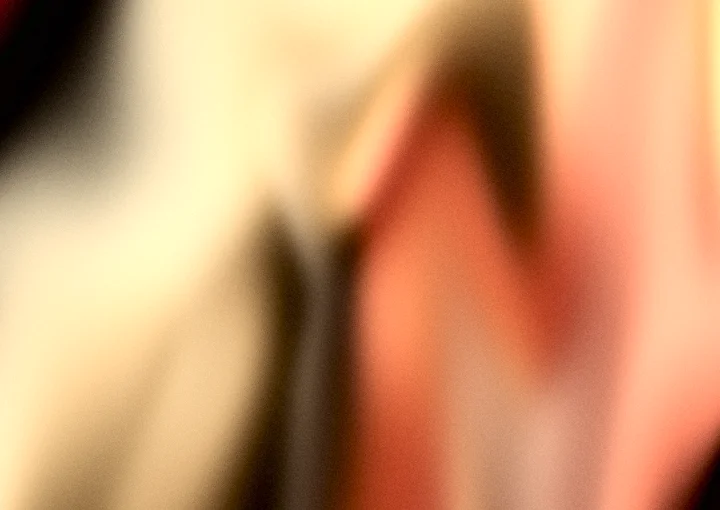
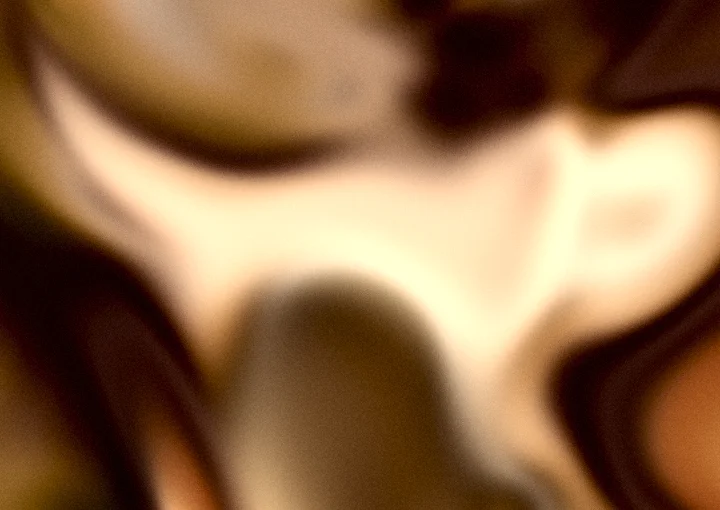
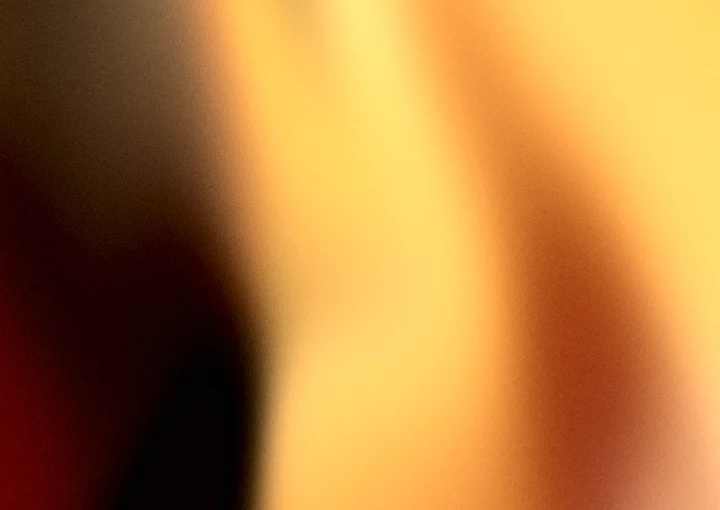
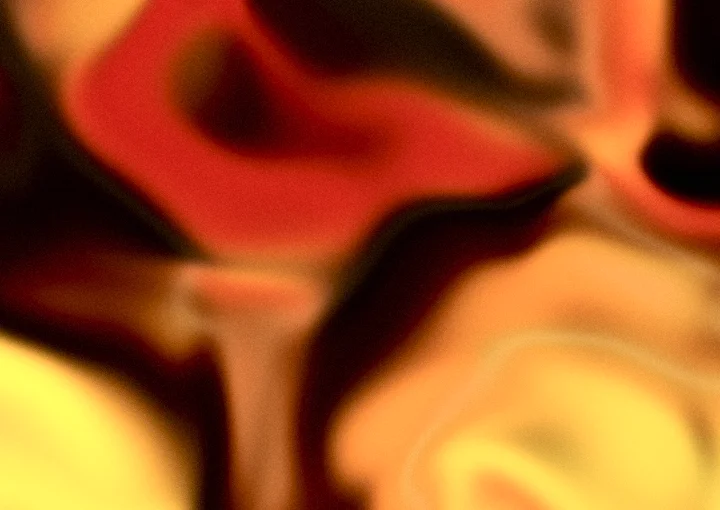
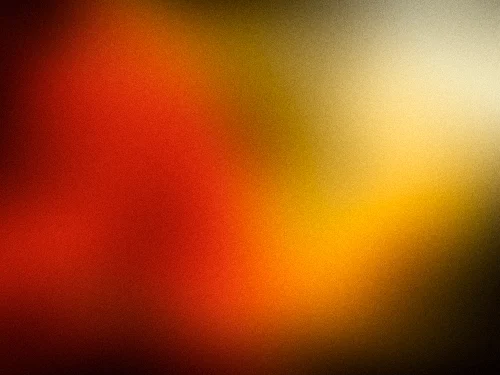
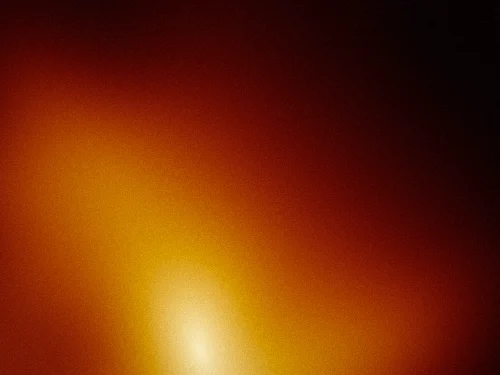
Download a free fire gradient background in HD for posters, gaming graphics, sports and fitness promos, and spicy food menus. The backgrounds below burn bright: deep red embers, blazing orange and yellow-white heat glowing out of black, with a gritty film grain. Roll the dice for endless new ones. No sign-up, free for commercial use.
Every roll creates a new fire gradient in this style. Download it, or open it in the editor for full control.
Phone downloads are 1290x2796, desktop 1920x1080. Free to use, also commercially.
Open this gradient in the full editorDownload fire gradient backgrounds
Hand-tuned fire gradients, rendered by the editor's engine. Pick one and download it in HD.
Made in the editor
Take your fire gradient further
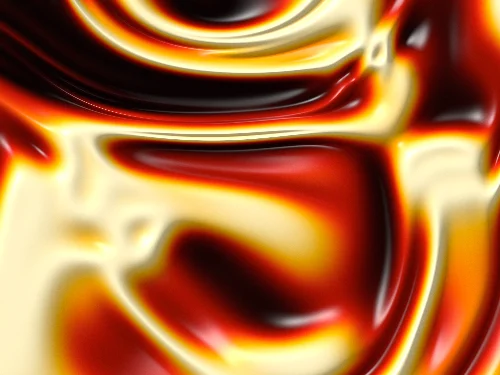
The full editor adds liquid sheen, light, glass and grain to any palette, and exports up to 8K. Each of these opens in the editor exactly as shown.
Fire hex codes
These are the core hex codes behind the gradients on this page. Click one to copy it.
Fire follows the color temperature of heat: dark red embers #7A0B02, glowing orange #E63A0A, bright yellow #FFB703 and almost white at the hottest point. On a black base like #0A0202 these colors look like real light, which gives fire gradients their energy.
Use them where you want intensity: workout and sports promos, gaming thumbnails, hot sauce labels, sale countdowns and event posters. White or yellow type pops on the dark areas.
Ideas for using fire gradients
- Gaming thumbnails and esports graphics
- Fitness, sports and workout promos
- Hot deals, flash sales and countdowns
- Menus and labels for spicy food
Learn more
Frequently asked questions
What colors make a fire gradient?
Fire gradients go from black #0A0202 through ember red #7A0B02 and flame orange #E63A0A to bright yellow #FFB703 and a pale yellow-white at the hottest point.
Are these fire backgrounds free to download?
Yes. Every fire gradient on this page is free to download in HD, for personal and commercial projects, no attribution and no account needed.
What resolution are the downloads?
You can download each gradient as a 1920x1080 desktop image or a 1290x2796 phone wallpaper, rendered on the spot at full quality. The full World of Gradients editor also exports up to 8K with custom sizes.
Can I customize a fire gradient?
Yes. Use the dice on this page to generate endless fire variations, or open any gradient in the editor to fine-tune the colors, grain, contrast and effects.
How do I make a fire gradient look realistic?
Treat the colors as light: keep most of the image dark, let the brightest yellow appear in a small area and add grain or noise for texture. Organic, warped shapes look more like flames than straight lines.
Can I use these fire backgrounds for a gaming channel?
Yes. They are free for commercial use, including YouTube thumbnails, Twitch overlays and esports graphics.
More gradients
Gradient Artist
Want full control? Everything included
The full editor adds six gradient types, glass, sheen and halftone effects, favorites in your account, video loops and exports up to 8K. Try it free for 14 days, no credit card needed.
Flexible. Cancel anytime.
- The full editor, every effect
- Favorites on every device
- Six gradient types and styles
- Export up to 8K, commercial use
€4.92 a month, billed yearly.
- The full editor, every effect
- Favorites on every device
- Six gradient types and styles
- Export up to 8K, commercial use
One payment, yours to keep.
- The full editor, every effect
- Favorites on every device
- Six gradient types and styles
- Export up to 8K, commercial use
Prices excl. VAT. The free trial needs only your email and simply ends after 14 days unless you pick a plan. Business? Add your VAT ID at checkout for reverse-charged VAT.